The best running trails around Woodplumpton
3.9
(16)
4,441
runners
38
runs
Jogging routes around Woodplumpton traverse a predominantly rural landscape, characterized by open fields and undulating terrain. The area features green corridors along waterways such as Woodplumpton Brook and the Lancaster Canal, offering varied gradients and scenic paths. This lowland farmland region provides a mix of natural habitats, including hedgerows and small woodlands, suitable for diverse running experiences.
Best jogging routes around Woodplumpton
- The most popular jogging route is Running loop from St Anne's, a 4.6 miles (7.4 km) trail…
Last updated: July 5, 2026
44
runners
7.43km
00:46
30m
30m
Moderate run. Good fitness required. Mostly paved surfaces. Suitable for all skill levels.
42
runners
Moderate run. Good fitness required. Mostly paved surfaces. Suitable for all skill levels.

Sign up for free
25
runners
Moderate run. Good fitness required. Mostly paved surfaces. Suitable for all skill levels.
3.0
(1)
23
runners
18.4km
01:55
70m
70m
Hard run. Very good fitness required. Mostly paved surfaces. Suitable for all skill levels.
26
runners
7.57km
00:47
30m
30m
Moderate run. Good fitness required. Mostly paved surfaces. Suitable for all skill levels.
Get access to more routes and recommendations from other explorers.
Sign up for free
Already have an account?
Our route recommendations are based on thousands of hikes, rides, and runs completed by other people on komoot.
Start today with a free account
Your next adventure awaits.
Login or Signup
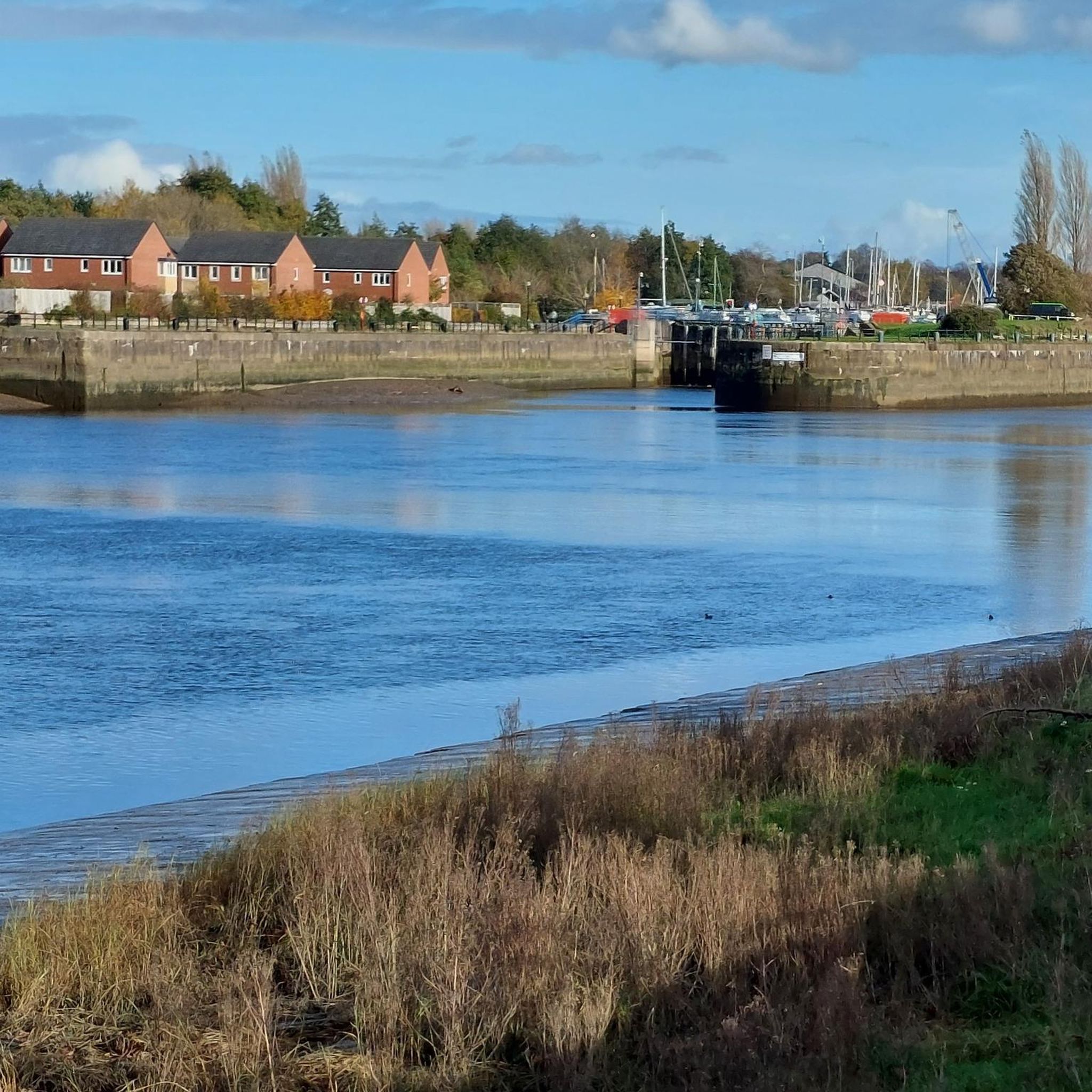
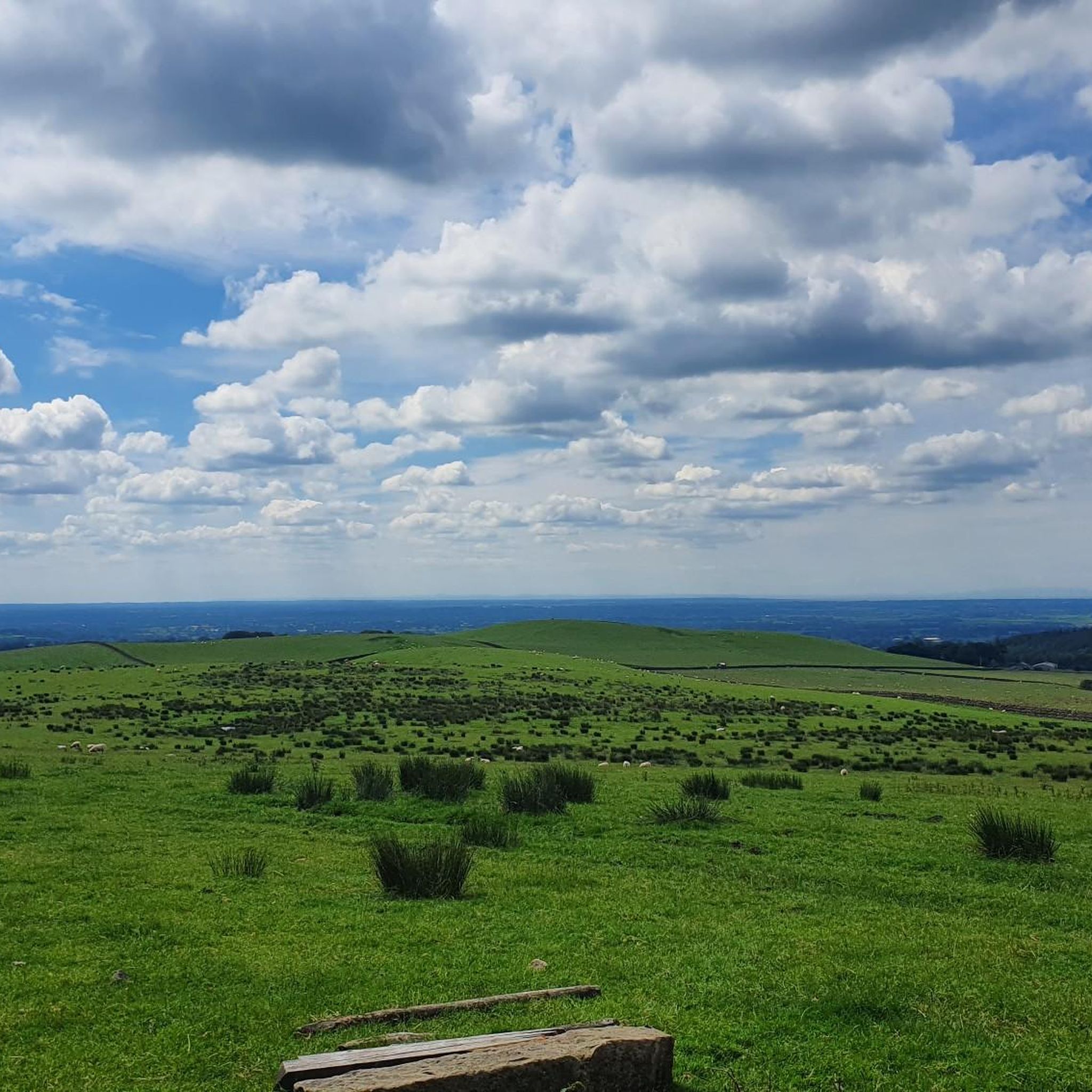
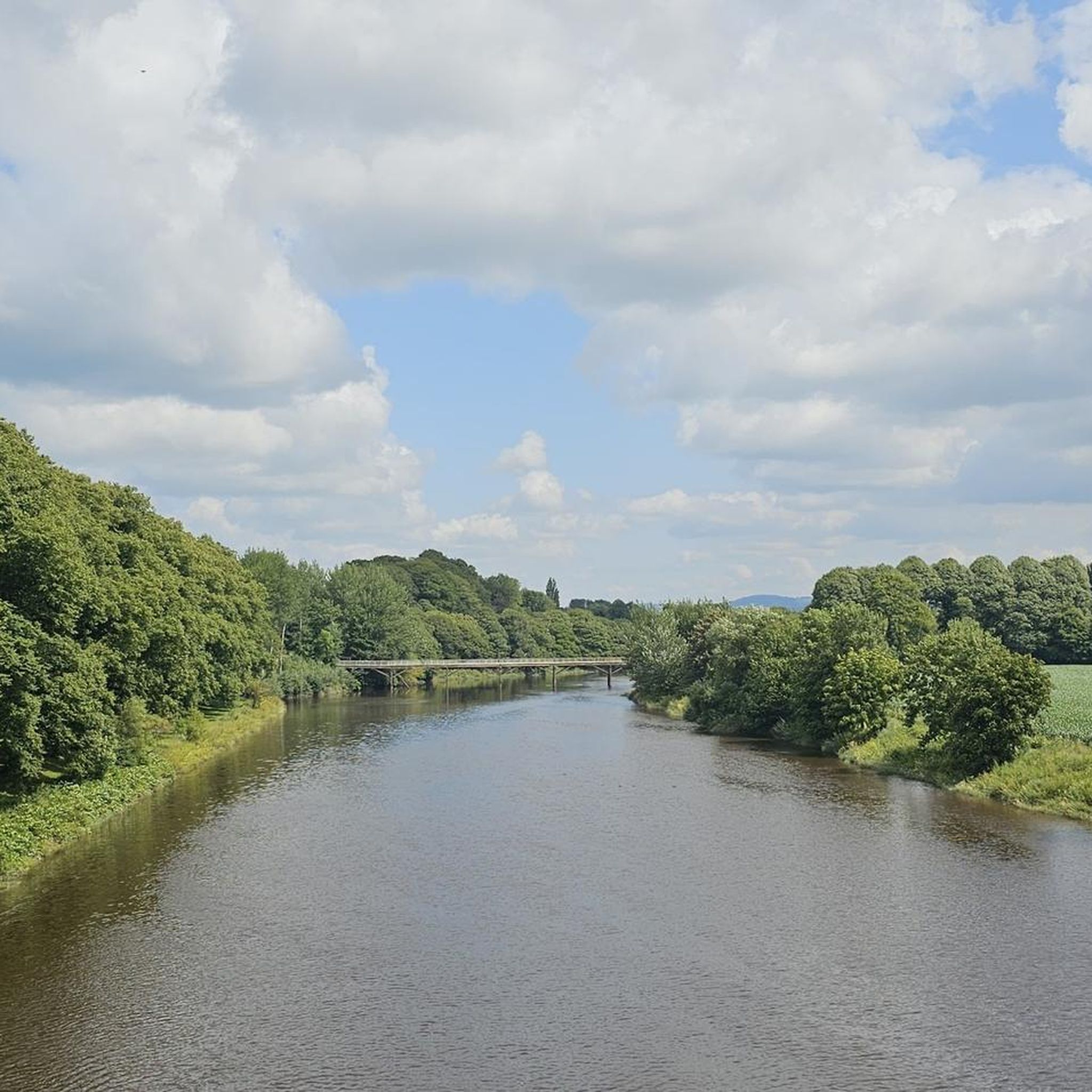
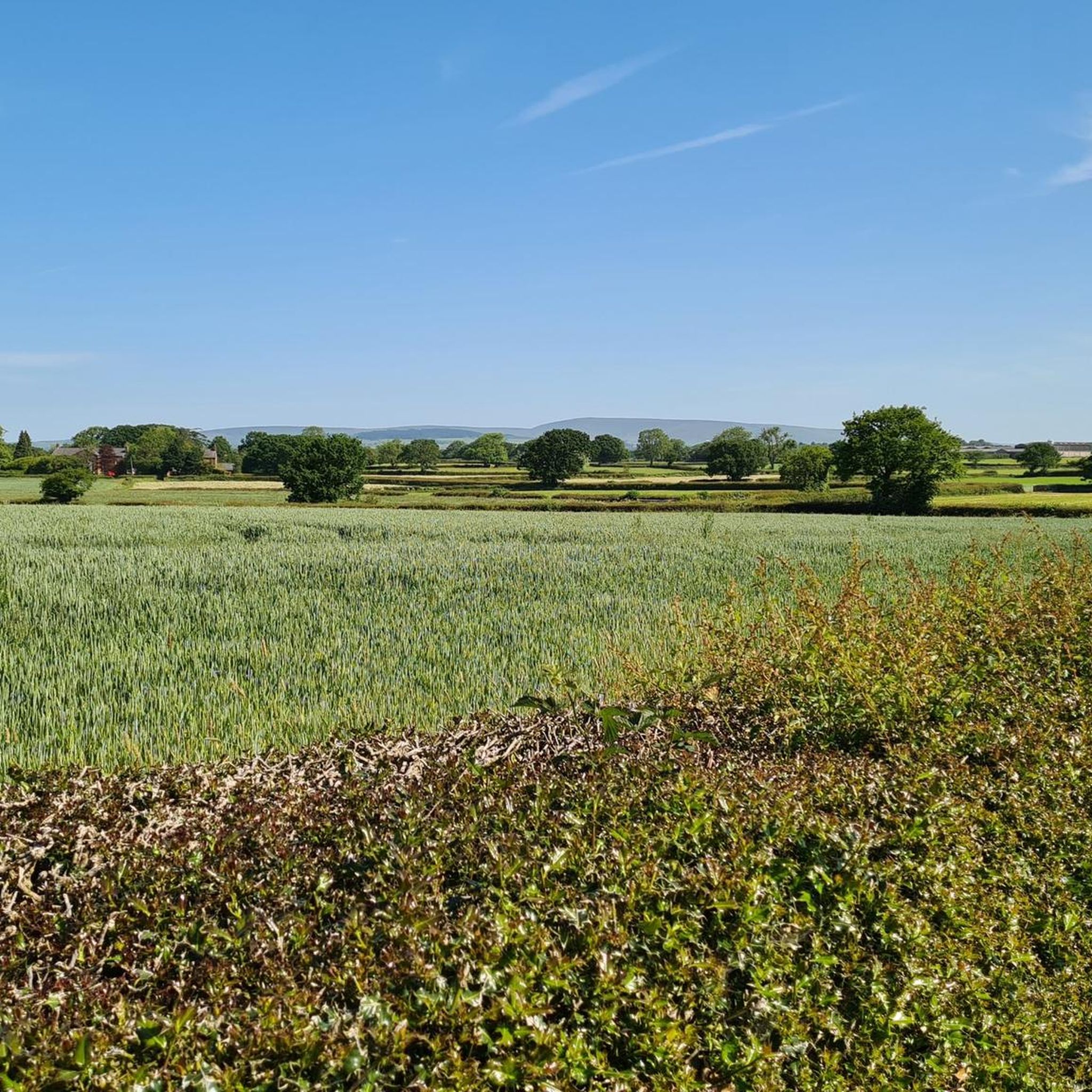
Tips from the Community

Tip5 Alternative Start Points with Parking for the 4 Tours Tour1 The Marina Carpark at Preston Marina The Marina Carpark Position is: 53.761540,-2.738572 Either: Paste the above line into the Google Maps app "Search here" box and then search - click the magnifying glass icon. Or: open your web browser and search for Google Maps 53.761540,-2.738572 Ashton Park Car Parks Link: Ashton Park Highlight https://www.komoot.com/highlight/5137829 Highlight7 on the Tour1 map
0
0
Tip4 Part (a) below explains the use of a split-screen using 2 web browsers. In Part (b), a practical example, you can use either the single web browser or the 2 web browsers method. (a) How To View In Split-Screen on Windows Using Two Web Browsers - example Microsoft Edge and Chrome. This method is similar to and slightly easier than the method in Tip3, part b). Open this highlight in both web browsers on the Windows PC. Their icons will be visible on the Windows taskbar. Then display one browser on the left side of the screen and one on the right. Open this highlight in both web browsers on the Windows PC. Their icons will be visible on the Windows taskbar. Then display one browser on the left side of the screen and one on the right. (b) Practical Use of a Split Screen Use a split screen to practise zooming into and out of a photo in a slide show. Create a split screen on an Android phone. On one half display the instructions in Tip1 on how to Enlarge a Photo in a Slideshow. Use e.g. a Chrome or Firefox browser on the other half to open the slideshow and display photo3 in the Chrome or Firefox browser. Then practise zooming in and out of photo3. Similarly, using a Windows PC and Photo3 practise the Windows PC instructions on how to zoom-in and out.
0
0
Tip3 How To Split-Screen The aim is, for example, to view relevant Tips or Comments alongside a photo or map. Photo4 shows a split-screen (from Tour1) on an Android phone. View photos or the route map on one half and the description on the other half of the screen. Scroll the 2 halves independently to compare a photo with e.g. a description in the Tips or Comments. If using a tablet or mobile, view the description in the website and the photo in the Komoot app - easier to pinch-zoom to see different parts of the photo. Instructions for (a) Android phone (b) Windows PC/Laptop For an iPhone search online for "Harris iPhone split screen" (a) Android Phone Check online for your Android phone. Not all models support split screen. Tap below to start a video - how to use split-screen. On a mobile, view in landscape. https://www.youtube.com/watch?v=zuiKgagO71Y (b) Windows PC/Laptop Easy in Windows 10/11. You can open the same Highlight (or Tour) using 2 web browsers, such as Microsoft Edge and Chrome, one on the left and one on the right of the screen. Or, you can use a single web browser displayed in 2 windows on the left and the right. Use these instructions to practice the technique. The first instructions below use a single web browser, e.g. Microsoft Edge. Using two web browsers is a little easier - see Tip4. 1) On your Windows PC/laptop, maximise the window if not already full-screen. Copy this highlight's Komoot web address. You need to paste it - see below. 2) Opposite-click this browser's tab on the Windows taskbar. That means click the other mouse button. Then click 'Open new window'. When opened, maximise it, paste and open the web address in the new window and scroll to these instructions so that you can continue to follow them. 3) Press and hold the Windows key on the keyboard and press the left arrow key. The active window moves to the left of the split-screen. 4) You should now see the right-hand half of the first window. Click that window to display it 'on top'. These instructions should still be visible in that window. Check that it's full screen. Press and hold the Windows key again and press the right arrow key. 5) The two windows should now display side-by-side. Scroll one window to display the 1st photo and open the slideshow. Scroll the other for the photo descriptions in the Tips. Then display a photo in one half and a corresponding description in the other.
0
0
Tip10 How To View In Split-Screen Instructions for a Windows PC/Laptop Easy to do in Windows 10/11. You have a choice - you can open the same webpage in two different web browsers displayed on the two halves of the screen or open the same webpage using a single web browser in two windows on the two halves. The instructions below are minimal. For a more detailed explanation see Comment10 in this link: https://www.komoot.com/tour/610244459 These instructions use a single web browser, e.g. Chrome. 1) First open this webpage on your Windows PC/Laptop, maximise it and scroll to these instructions. Copy the web address. You will need to paste it - see below. 2) Locate this browser's tab on the taskbar. Opposite click on it and click 'Open new window'. When opened maximise it if necessary and then paste the web address into the new window and scroll to these instructions so that you can continue to follow them. 3) Press and hold the Windows key and press the left arrow key. The active window will move the left side of the split screen. 4) You should now see the right hand half of the first window. Click that window to display it 'on top'. These instructions should still be visible on the right. Check that it is full screen. Press and hold the Windows key again and press the right arrow key. 5) The two windows should now display, left and right. You have a split-screen. You may need to make a small adjustment (drag) if the windows overlap slightly at the join. Scroll one window to display the photos and the other for the photo descriptions in Tip1.
0
0
Tip2 The labelled points, (a), (b), (c) etc on photo3 are used to describe Haslam Park Highlight's segment route through the park, which is followed by Tour1, and optional variations. See the Haslam Park, Preston highlight: www.komoot.com/highlight/3873377 Tour1 starts at point A, the Cottam Lane entrance and carpark - bottom-left of map - photo3. The blue line on photo3 is the route of Tour1 through the park, except for the straight line between points (a) and (e) which doesn't follow a path and is not a cycle route. It simply indicates the direction of travel between (a) and (e). The segment route between those 2 points follows a-b-c-f-d-e, the Tour1 satnav route. You can choose your own route on paths between (a) and (e) - details in the Haslam Park Highlight, although easier to follow the satnav route. Tour1 is called the "Lancaster Canal, Ribble Link, River Ribble, Preston Marina Loop" Link: https://www.komoot.com/tour/610244459 From point (e) on photo3, Tour1 crosses a bridge over Savick Brook, point (h), and enters the Haslam Nature Reserve just before point (i) on the canal. If you park at Bristow Avenue carpark, bottom right on map, then for a tour that starts at Cottam Lane point A you can cycle there via points (b) and (a) so that you can start the navigation at point A. However, that is not necessary for Tour1. You can start at and follow the satnav from Bristow Avenue. The satnav will join the tour at (d) and follow the tour's route d-e-h to the canal at bridge 14, point (i). An alternative Tour1 start, in Ashton Park, follows the eastern edge of Ashton Park north to Cottam Lane. Park at one of Ashton Park's two carparks. Link: https://www.komoot.com/highlight/5137829 From Haslam Park, Tour1 follows the Lancaster Canal to bridge 15 - highlight2 on photo3 - then a part of the Haslam Nature Reserve on dirt tracks, a pleasant section of the Guild Wheel route along the Ribble Link and returns via Preston Marina to your start point.
0
0
Great photo of the bridge, Craig - lighting just right!
1
0
Slideshows Tip8 A Komoot slideshow in a web browser differs slightly from a slideshow in the Komoot app. These notes assume that you are using an Android phone or a Windows PC/laptop and that the slideshow is in a Highlight and not a Tour. You may wish to open this highlight on 2 devices to easily compare the photos alongside relevant comments - or display on the 2 halves of a split-screen (see Tips 9 and 10). To start the slideshow - tap the first photo. On a web browser - on e.g. an Android phone or a Windows PC: 1) To end slideshow - tap/click 'Close x' at top-right. 2) To move to next slide - tap/click the current slide. 3) To move back one slide - tap/click thumbnail image on left. To enlarge a slide on an Android - 'tap and hold' and then tap: 1) Chrome 'Preview image'. 2) Firefox 'Open image in new tab' - then tap SWITCH. Zoom-in with 'pinch zoom'. To reverse the above: 1) Chrome: tap the X at the top-right of the Preview image. 2) Firefox: if using split-screen, 1st tap the image to give it focus and then tap the left arrow 'back' button at bottom of screen - probably a left-pointing chevron. To Enlarge a Slide On a Windows PC a) Click the image with the opposite mouse button (maybe the right buttton) then click 'Open image in new tab' with the other button. b) Click on the new tab to open it. c) Click the enlarged image to enlarge it some more - use the scroll bars to move over the image. d) Click the image to to reduce it. e) Close the new tab. In the Komoot App slideshow: 1) To end - tap the left arrow at top-left of slideshow. 2) To move to next slide - flick left. 3)To move back one slide - flick right. 4) To enlarge a slide - double tap. 5) To reverse the above - double tap. 6) To zoom-in - 'pinch zoom'.
1
0
The Top20 Highlights in Central Lancashire around Preston Tip7 See Komoot's recommended highlights around Preston, some specific locations, such as Beacon Fell, and a few highlight segment routes. Link: https://www.komoot.com/guide/671373/attractions-around-preston
1
0
Frequently Asked Questions
How many running routes are available around Woodplumpton?
There are over 25 running routes available around Woodplumpton, catering to various preferences and fitness levels. These routes explore the region's rural landscape, including open fields, waterways, and green corridors.
What kind of terrain can I expect on running trails in Woodplumpton?
Running trails in Woodplumpton feature a predominantly rural landscape with open fields and undulating terrain. You'll find green corridors along waterways like Woodplumpton Brook and the Lancaster Canal, which often provide level towpaths. The area also includes hedgerows and small woodlands, offering a diverse running experience.
Are there running routes for different fitness levels in Woodplumpton?
Yes, Woodplumpton offers a variety of running routes suitable for different fitness levels. You can find 2 easy routes for a gentle jog, 22 moderate routes for a more challenging run, and 2 difficult routes for experienced runners seeking a greater challenge.
What do other runners enjoy most about jogging in Woodplumpton?
The running routes in Woodplumpton are highly rated by the komoot community, with an average score of 3.9 stars from over 15 reviews. Runners often praise the varied terrain, the peaceful rural setting, and the scenic paths along the Lancaster Canal.
Are there any circular running routes in Woodplumpton?
Yes, many of the running routes in Woodplumpton are circular, allowing you to start and finish at the same point. For example, the popular Running loop from St Anne's is a 4.6-mile circular trail exploring the local area.
What interesting sights or natural features can I see while running in Woodplumpton?
While running in Woodplumpton, you can encounter several interesting sights. The historic Cartford Toll Bridge is a notable landmark. You might also pass by the Brockholes Nature Reserve or the Haslam Park Nature Reserve, which offer diverse natural habitats. The Lancaster Canal itself is a prominent feature, providing scenic views along its towpath.
Are there any family-friendly running routes in Woodplumpton?
While specific 'family-friendly' designations aren't always given, routes with flatter sections, such as those along the Lancaster Canal towpath, can be suitable for families. The Cottam Side of the Canal loop from St Anne's is a moderate route that follows the canal, offering relatively level surfaces.
Can I bring my dog on the running trails in Woodplumpton?
Many of the rural paths and trails in Woodplumpton are suitable for running with dogs, especially those through open fields and along canal towpaths. However, always ensure your dog is under control, especially near livestock, and check for any specific local restrictions or signage in nature reserves.
Are there any long-distance running options in Woodplumpton?
For those looking for longer runs, Woodplumpton offers routes that extend further into the surrounding countryside. The Masons Wood loop from St Anne's is a difficult 11.4-mile (18.4 km) route, providing a significant distance challenge.
What is the best time of year to go running in Woodplumpton?
Woodplumpton's rural landscape is enjoyable year-round. Spring and summer offer lush green scenery and longer daylight hours. Autumn brings beautiful foliage, while winter runs can be crisp and quiet. Be aware that some paths, particularly in nature reserves like Haslam Park, can become muddy after wet weather.
Are there any running routes that pass through nature reserves?
Yes, some routes incorporate or pass near nature reserves. The Lancaster Canal Towpath – Haslam Park Nature Reserve loop from St Anne's is a 7.3-mile trail that leads through green corridors and includes sections of the Haslam Park Nature Reserve, offering a chance to run amidst varied wildlife.
Are there pubs or cafes near the running routes in Woodplumpton?
Woodplumpton village itself has a local pub, The Smiths Arms, which can be a pleasant stop after a run. Many routes start from St Anne's, making it convenient to access village amenities. For more options, nearby Preston offers a wider selection of cafes and pubs.
Most popular attractions around Woodplumpton
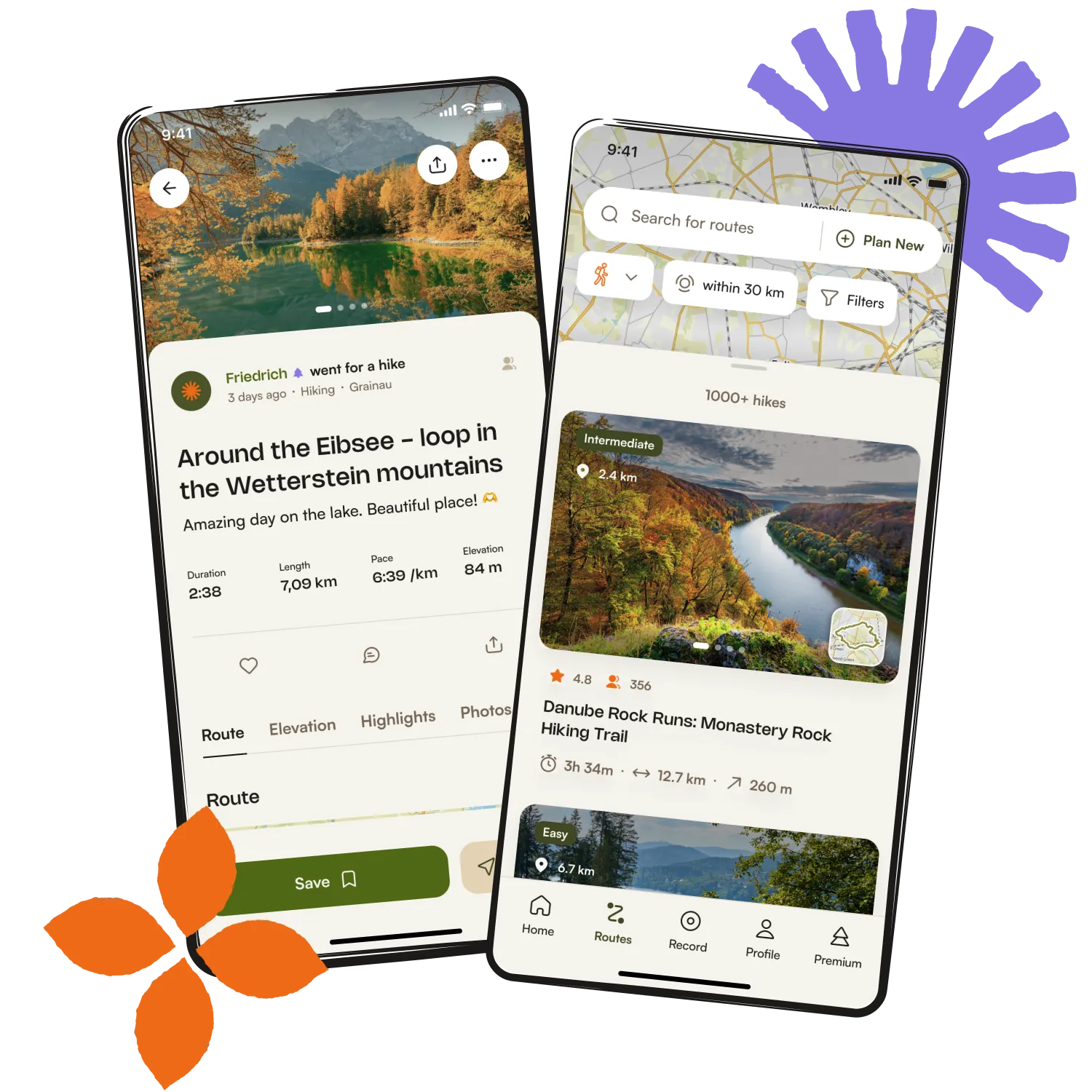
Get inspired with the komoot mobile app


Explore more
Browse the best Running Trails & Routes in other regions.